Fuccura Studio original · Free · MIT
Margin Notes
Shown as a portfolio for headteachers
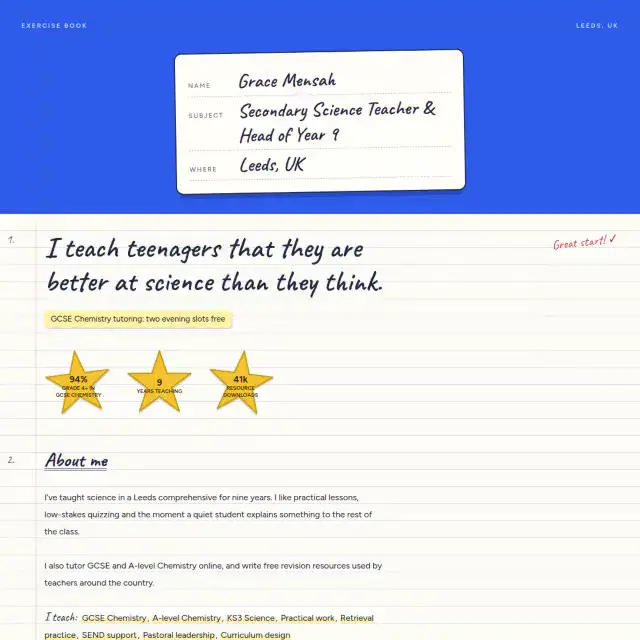
A teacher’s site that moves like a good lesson: doodles drawn as you read, stats that fill, a year in the classroom told as you scroll.
Designed by Fuccura Studio
Added 2 October 2026 · 2 downloads
The idea
A teacher’s site that moves like a good lesson: doodles drawn as you read, stats that fill, a year in the classroom told as you scroll.
Inspired by
A good teacher’s whiteboard: doodles, arrows and notes in the margin.
What to notice
Doodles draw themselves as you read, and the school year unfolds as you scroll.
How it was made
Drawn and built by the Fuccura studio as a React component, then tested in the editor, on phones and with reduced motion. Every section reads from one shared content model, so the same words fill any design.
Who it’s for
Teachers, Tutors, Lecturers & coaches.
Two ways to use it
Free · you edit the code
Download and set it up
- Install Node.js (the LTS version) if you don’t have it.
- Unzip the download and open the folder in a terminal.
- Run
npm install, thennpm run dev. It opens in your browser. - Put your own words in
src/content.jsonand your photos inpublic/. Colours and fonts are in the README. - Run
npm run buildand upload thedistfolder to any static host (Netlify, Cloudflare Pages, GitHub Pages).
No code · free to start
Let Fuccura handle it
- Click any text or photo to change it, no code at all
- A free address, or your own domain with Pro
- Hosting, speed and security looked after
- A blog, and the Investigator to keep it up to date
- Switch to another design any time, keeping your words
Made for these jobs
Open Margin Notes with sample content written for your job title.
Questions about Margin Notes
- Is the Margin Notes template free?
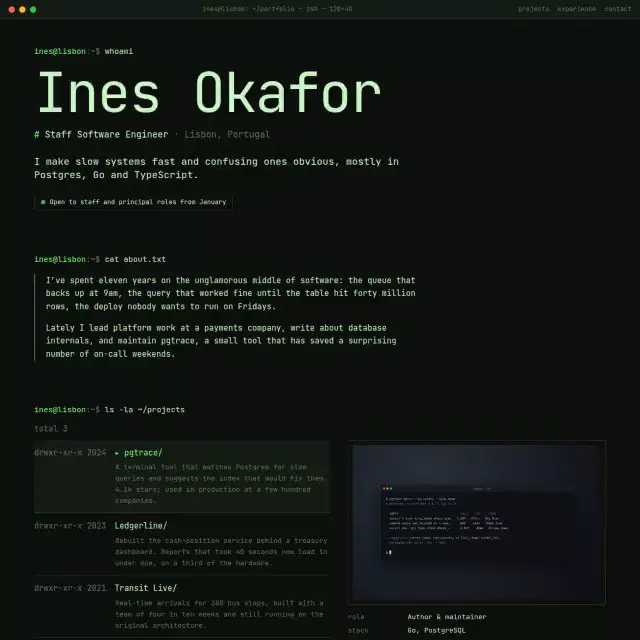
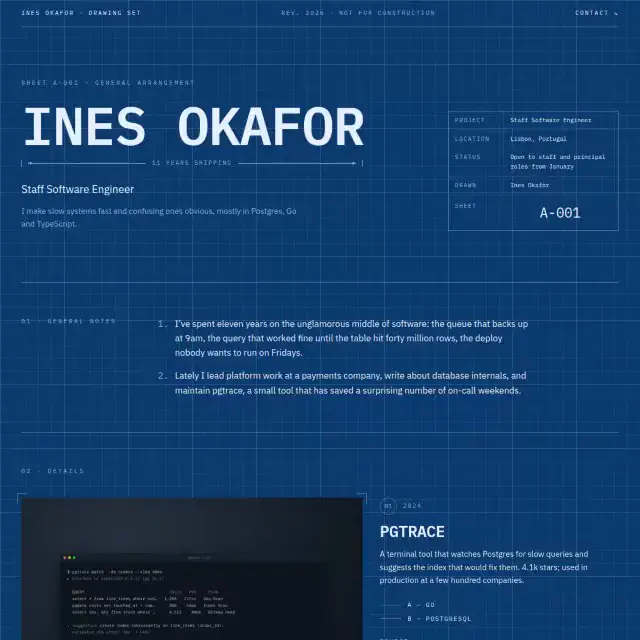
- Yes. You can download Margin Notes free (MIT licence) and host it yourself, or customise it in Fuccura and publish it free at a Fuccura address. Your own domain comes with Pro, from AED 35 a month.
- Who is Margin Notes for?
- Teachers, Tutors, Lecturers & coaches.
- Can I use Margin Notes without coding?
- Yes. In the Fuccura editor you click any text or photo on Margin Notes to change it, import your CV or LinkedIn, and publish in a few minutes. No code is needed.
- Does Margin Notes work on phones?
- Yes. Margin Notes adapts to any screen size and was tested on phones, tablets and desktops, and with reduced motion.
- Can I change the colours and fonts of Margin Notes?
- It comes with 3 colour schemes (Paper & ink, Sage, Dusk). Font pairings: Fraunces + Figtree, Bricolage + Figtree. You switch them in the editor's Design panel.
- Can I switch from Margin Notes to another template later?
- Yes. Your content is kept separately from the design, so you can move to any other Fuccura template without retyping anything.